

Microsoft SharePoint is a mature product. In on-premises form, it has been around since 2001 and it’s been part of an online offering from Microsoft in one form or another since 2011. In addition to underpinning many of the app offerings in M365, it is a fine platform for document management and intranet solutions in its own right. But it could/should be easier to use!
These are the five complaints about missing basic features and bugs that I hear most often from my clients. Unless/until Microsoft comes up with resolutions, I can pretty easily fix every one of them.

When you’re trying to encourage user adoption, the last thing you need are generic command bars and context menus containing an overwhelming number of superfluous options. If your document library doesn’t use a power automate flow for anything, why confuse users by showing Automate or Integrate menu items.
Modifying menu items shown to different groups of users for different lists and libraries should be an easy in browser selection that a site admin can make. It should not need code based customisation using JSON (which often breaks by the way and is limited to individual views) or SPFx code solutions.
More flexible permissions configuration
SharePoint provides a relatively fine grained security model where you are able to choose from a selection of default permission levels, or create your own custom permission levels. You can then apply those permission levels to defined groups of users and to entire sites or specific lists and libraries, etc. However, there are some glaring omissions that really impact on document management systems built on SharePoint.
- No separate permission level for creating folders or document sets. If a user has the ability to add, upload, edit or delete a document in a library, that user can also perform similar actions on folders and document sets. This is a biggy and required on almost every document management solution I’ve been asked to build in SharePoint. Microsoft doesn’t seem to recognise that controlling document organisation often means limiting folder creation to a defined group of users.
- Want certain groups of users to be prevented from seeing specific document library views – sorry can’t do that.
- Want to hide certain content types from specific groups of users – sorry can’t do that.

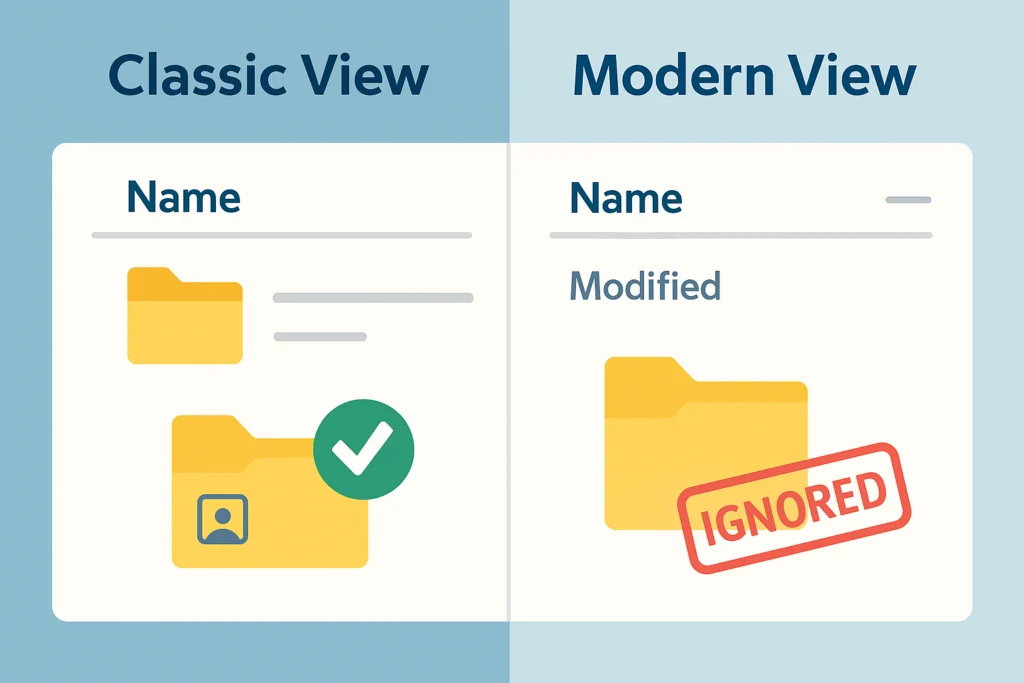
It doesn’t take long when working with a modern SharePoint online site before you’re thrown back to the classic SharePoint user interface from 2013. Whenever you need to go behind the scenes to configure list or library settings or to create or edit a view, you’re right back in 2013. This in itself is not a problem except that a number of configurations still readily available in the old 2013 interface just don’t work in Modern SharePoint.
For example, when you create or edit a view for a list or library, you’ll come across the “folders” or “per location view” settings. This allows unique views to be shown at the top level of a library, unique views inside document sets and sub-folders, etc. Except that it doesn’t! This feature worked fine back in 2013 in classic SharePoint but Microsoft has never fixed it for the modern experience.
Surfacing Manual Power Automate flows easily where you want them
Power automate is a great solution for creating no or low code workflows. Flows are easy and quick to configure and can greatly enhance the functionality and usefulness of a SharePoint solution. If you’re lucky and flows are configured exactly right they may appear as links under a list or library “Automate” menu. However, this can be a bit flaky. Otherwise users are going to have to navigate through the snappy Integrate > Power Automate > run my flows to find the workflow. It would be nice and should be easy for workflow authors to just add a customisable link/button to command bars and menus without reverting to JSON.

Better user interface for adding meta-data for multiple documents
For many years, Microsoft promoted meta-data rather than folder trees as the modern way of organising content. Now they seem to have rather given up, relying on search and AI to surface documents from deep within murky folder structures.
Using meta data rather than deep folder and sub-folder structures still has a lot of benefits in finding and re-using content and surfacing it in different ways. The problem has alway been the pain involved in adding meta-data to uploaded files and items.
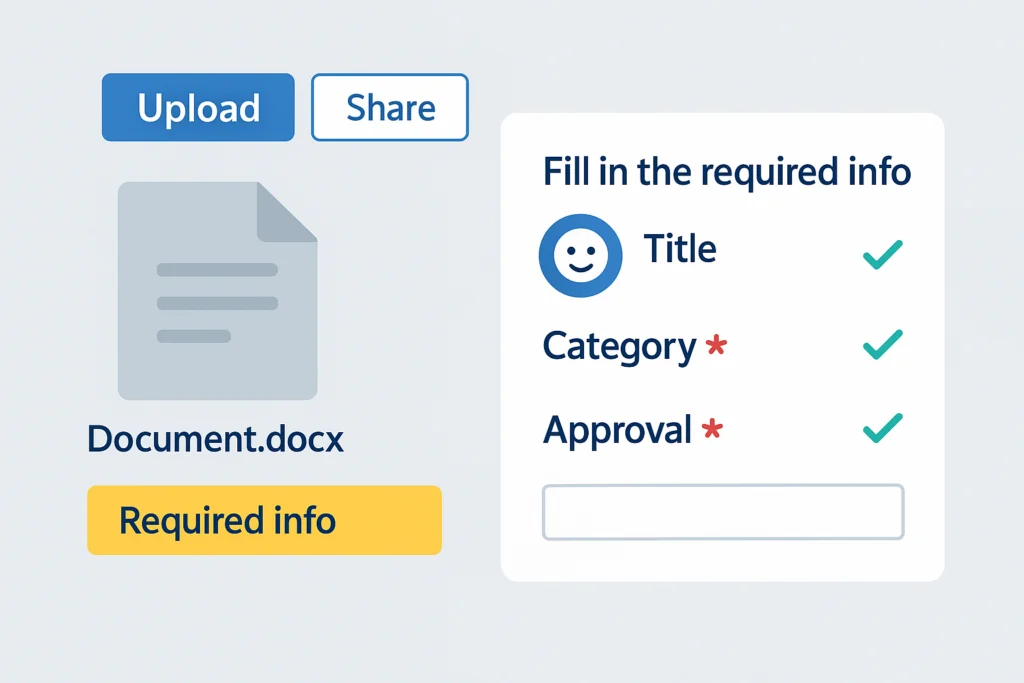
Even when you have required meta data columns, SharePoint happily lets users drag and drop files with empty metadata fields. Office then throws the dreaded “Required properties – To save to the server, correct the invalid or missing properties banner”. Confused users end up calling IT rather than just completing the required metadata. A proper wizard that appears the moment you drag in documents to a SharePoint library and prompts you to complete required metadata would seem like common sense.
And the answer is…
All of the above and other irritations in the out of the box SharePoint experience can be overcome relatively easily. I routinely build lightweight SPFx add-ins and other customisations that plug these and other holes in SharePoint for my clients. Making SharePoint easy and productive to build with and use.
Scratching your head on how to get the best out of SharePoint or actually got to the point of tearing your hair out? Don’t despair. There is probably a simple solution. Get in touch and let’s get your SharePoint on track.